MuJoCo Installation Guide
MuJoCo
1. Download Source Code
Click Download in the top-right corner of MuJoCo.
- For Linux, download the
tar.gzpackage (it can be used directly after extraction): GitHub
2. Installation
Strictly speaking, this step includes extraction, copying, and environment variable configuration.
mkdir ~/.mujoco
tar -zxvf <filename> -C ~/.mujoco
sudo nano ~/.bashrc

# Add the following at the end of the file
export LD_LIBRARY_PATH=$LD_LIBRARY_PATH:/home/<your-username>/.mujoco/mujoco-<replace-3.5.0-with-version>/bin

source ~/.bashrc
Please verify that the paths above match your local environment.
3. Test
cd ~/.mujoco/mujoco-<replace-3.5.0-with-version>/bin

# The humanoid.xml directory path may differ by version
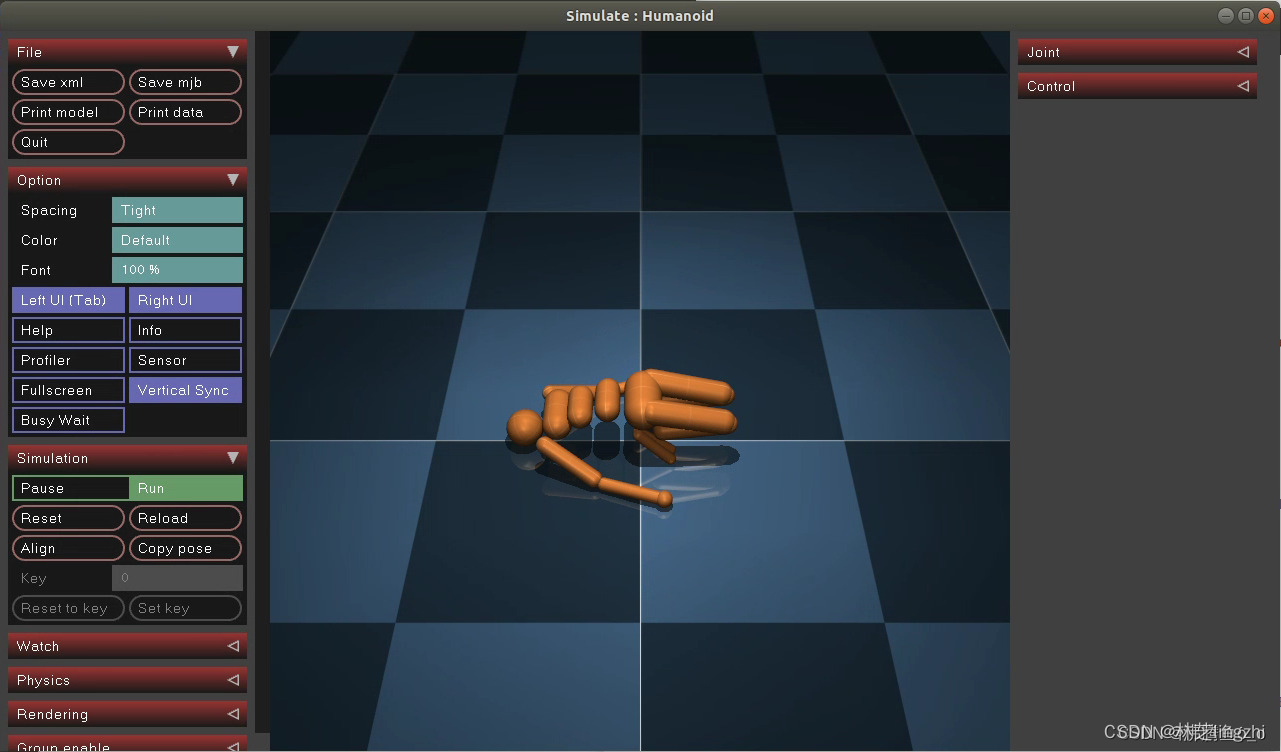
./simulate ../model/humanoid/humanoid.xml
If the following window appears, MuJoCo has been installed successfully: